

Introduction to the Back Office
The Fluid Back Office is powered by DatoCMS — a headless content management system that serves as the central management tool for your Fluid cashier configuration.
What you manage in the Back Office
Section titled “What you manage in the Back Office”| Area | DatoCMS model | Purpose |
|---|---|---|
| Settings | Operator Config, Settings | Global operator configuration and feature flags |
| Content | Content Sets | All user-facing text strings and translations |
| Errors | Errors, Operator Errors | Error code mapping and user-facing error messages |
| Payment methods | Payment Methods, Operator Payment Methods, Options | Payment method configuration and availability |
| Input fields | Input Fields | User data collection fields per payment method |
| Appearance | Themes, Campaigns | Visual branding and time-limited campaigns |
| Success screens | Success Screens, Promotions | Post-transaction promotional content |
| Payment gateways | Payment Gateways | Payment orchestrator configuration |
Accessing the Back Office
Section titled “Accessing the Back Office”When you’re onboarded, Fluid gives you access to the Fluid project in DatoCMS. After logging in to DatoCMS, open the project named “Fluid” from the project list, or go directly to https://fluid.admin.datocms.com. Contact your Fluid account manager if you need access.
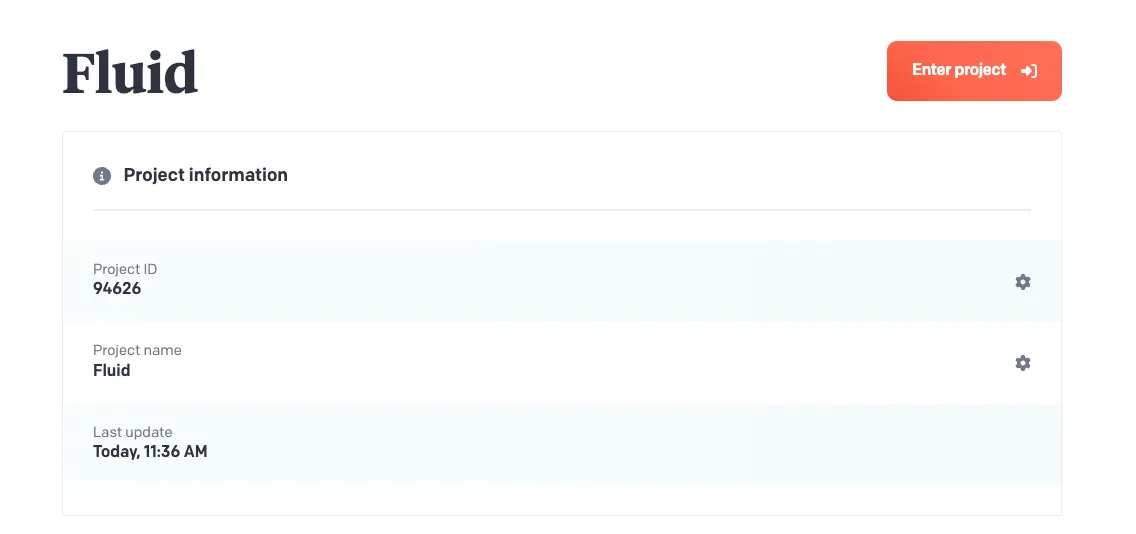 The DatoCMS project list
How changes take effect
Section titled “How changes take effect”Changes made in the Back Office take effect in the live cashier after you click Save.
Organisation
Section titled “Organisation”The Back Office is organised into the following sections, each documented in detail:
- Settings — feature flags, display options and behaviour per operator
- Content & Errors — text content and error management
- Payment Configuration — payment method setup
- Appearance — visual customisation